
Description
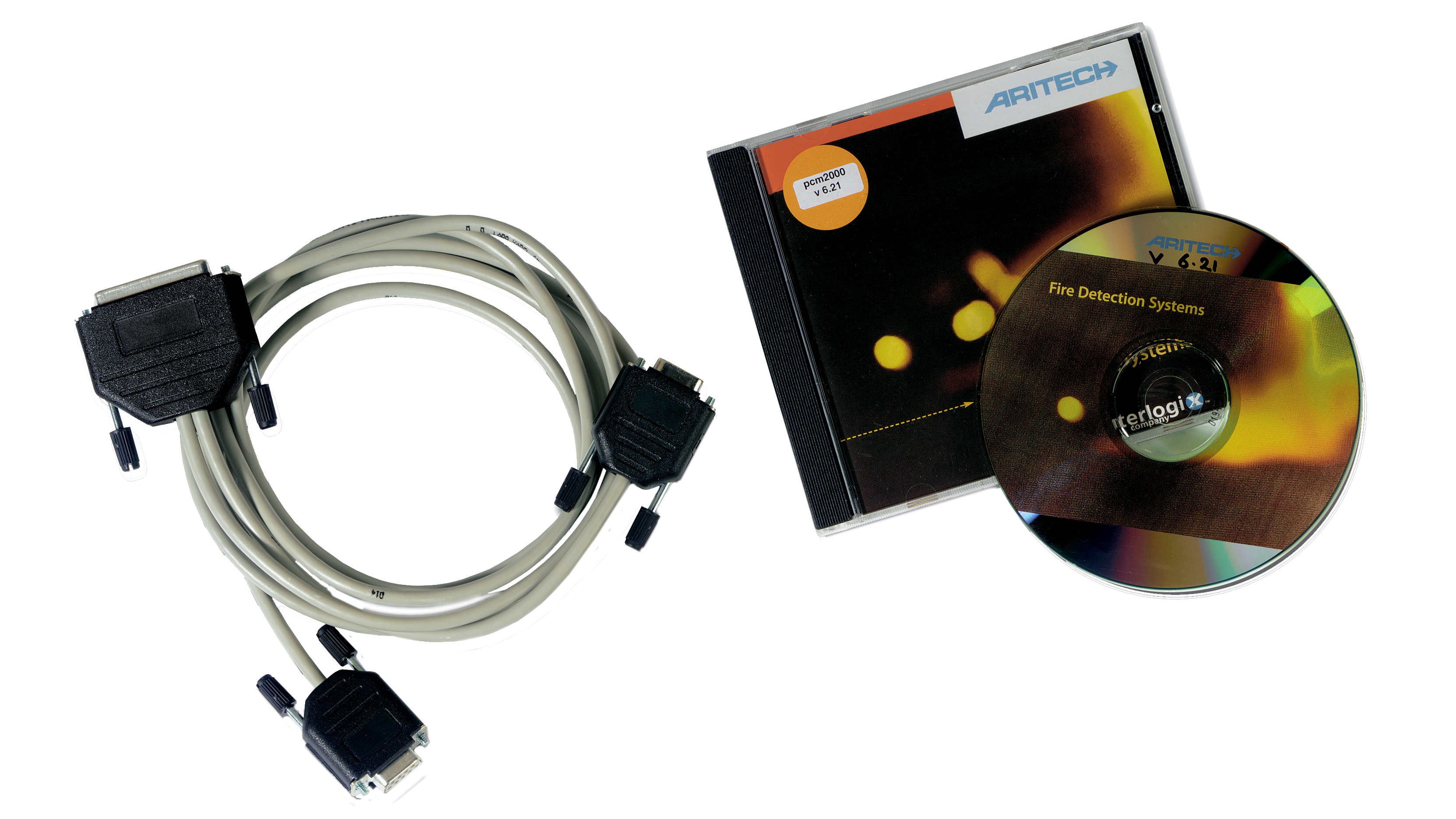
PCC2000 Configuration And Maintenance Software is the Windows based programming and configuration software for FP1200/2000 series fire panels. It allows easy, menu driven, configuration of all panel and device features and settings, and supports both 900 series as well as 2000 series device setup.
PCC2000 Configuration And Maintenance Software includes the PCM2000 application, that allows local and remote maintenance facilities for FP1200/2000 series fire panels. Amongst others, it allows for full panel emulation, data retrieval and central alarm monitoring.
Configuration Utility
PCC2000 allows common texts and functionality to be easily copied and pasted, allowing for fast default setup of the complete system. Boolean logic programming becomes east as inputs and outputs are continuously displayed for the programmer’s convenience. Default functionality is available in various menus.
Maintenance Utility
- Emulation mode
This mode allows for visualization of the full front face of the fire panel, including LCD screen and common LEDs indications. Since all panel buttons are now accessible via the software, it is possible to access every fire panel menu screen to consult or change settings as required. - Data retrieval mode
Here any available data from the panel(s) is retrieved to evaluate and analyze, to use in preparation for maintenance, archive or create reports, or to perform diagnostics. - Central station mode
This mode allows the panel(s) to dial in or connect to the PC in case of alarm, fault or any condition. The PC station receives these messages, displays them on the screen and saves them locally on the PC. Messages may be received with or without acknowledgement, depending on user requirements. Filters may be set to restrict and filter incoming information. - History log mode
PCM2000 also supplies a tool to analyze the central station events stored locally on the PC. Filters allow the relevant data to be retrieved from any site log. - Address book
A local database of all sites available for supervision is stored in the PCM2000 database. This contacts list allows the user friendly, error free and fast connection. - Configuration options
PCM2000 allows dial up modem, direct serial port and session filter settings to be set as required. Local language selection is also available.